How to Enable the Resource on the Appointment Level in MioSalon ?
Overview
Enabling Resource Assignment at Appointment Level in MioSalon configures the booking engine to show all available salon resources whenever an appointment is scheduled.
Under this setting, receptionists can assign any available room, chair, or machine directly during booking without requiring pre-configured service-to-resource mapping rules.
This setup is ideal for salons and spas with flexible multi-purpose rooms where any service can be performed in any available facility.
Follow the guided step-by-step instructions below to enable resource assignment at the appointment level in MioSalon.
Navigation Path
Settings → Modules Settings → Resource → Resource Settings
Steps to Enable the Resource on the Appointment Level
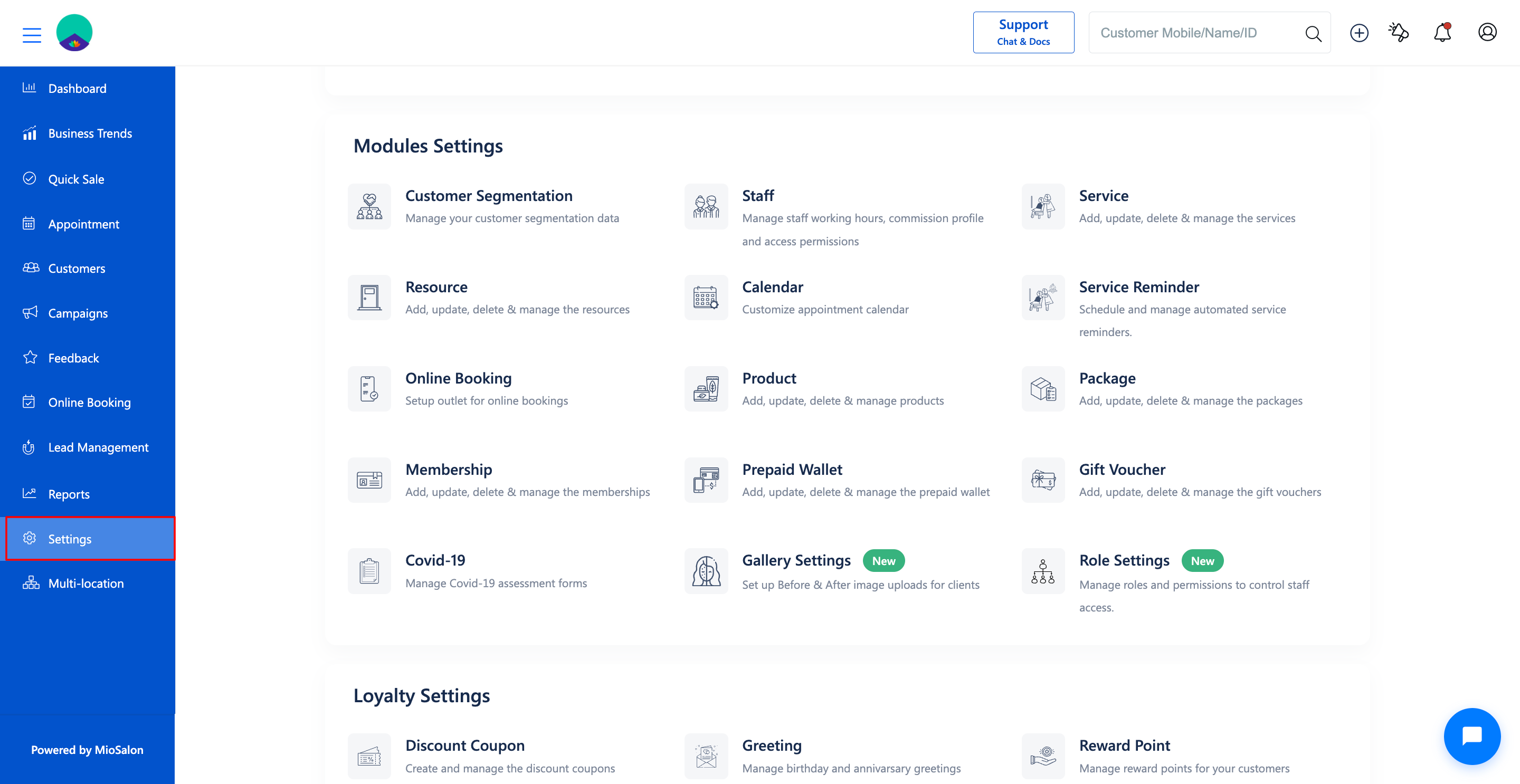
1. Navigate to the Settings module from the main navigation sidebar.
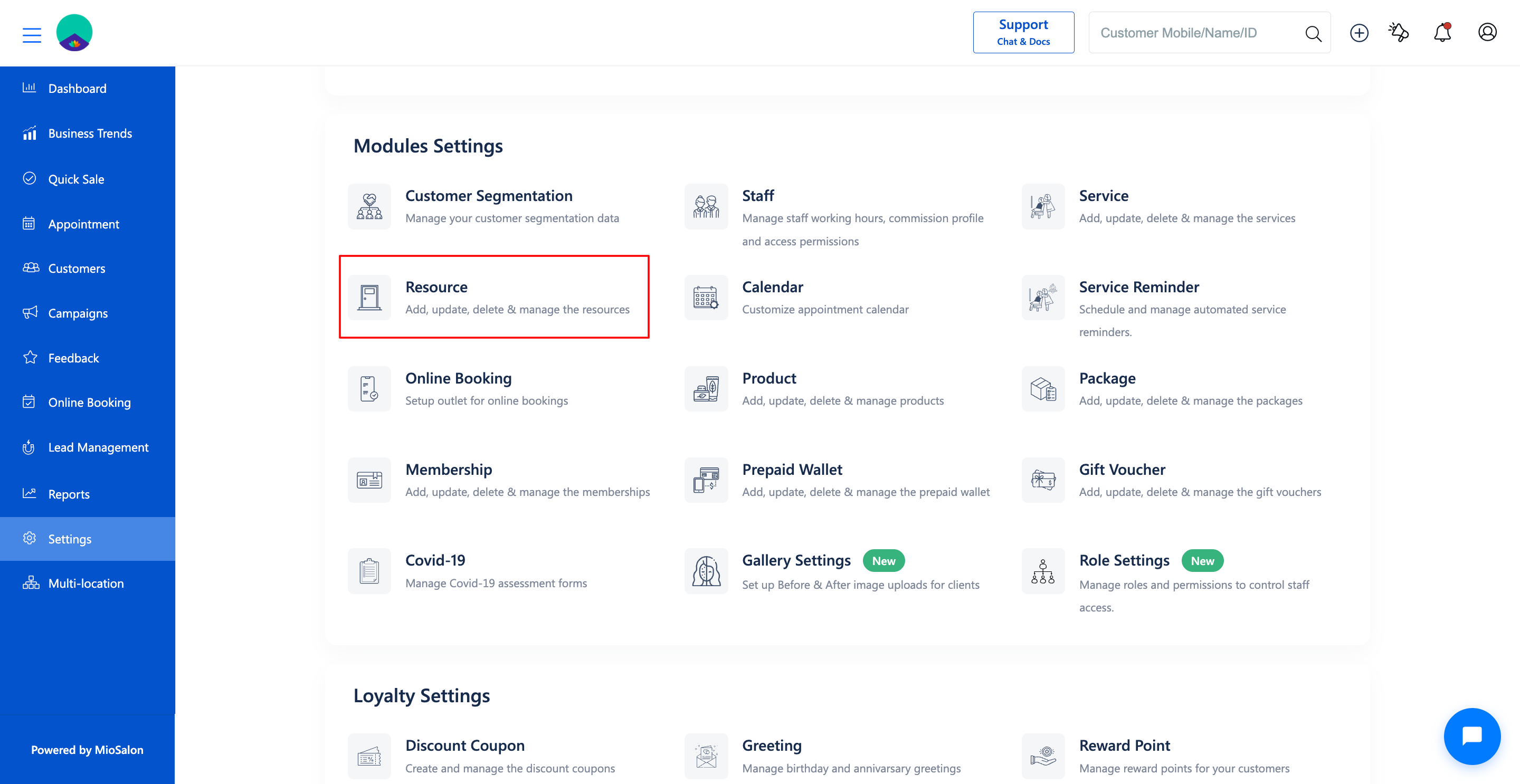
2. Click on the Resource card located under Modules Settings.
3. Select the Resource Settings tab from the left sub-navigation menu.
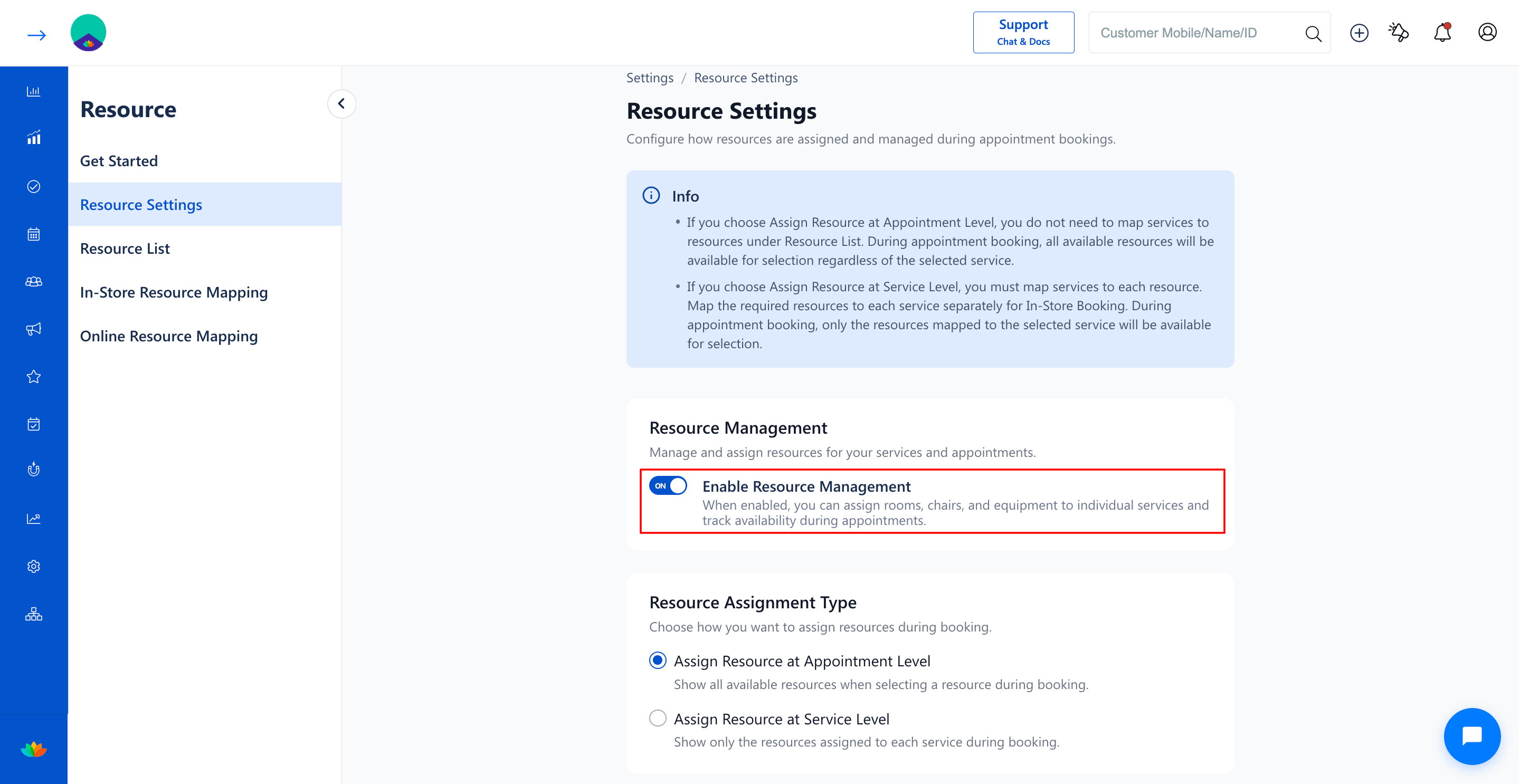
4. Under the Resource Management section, toggle the switch to ON for Enable Resource Management.
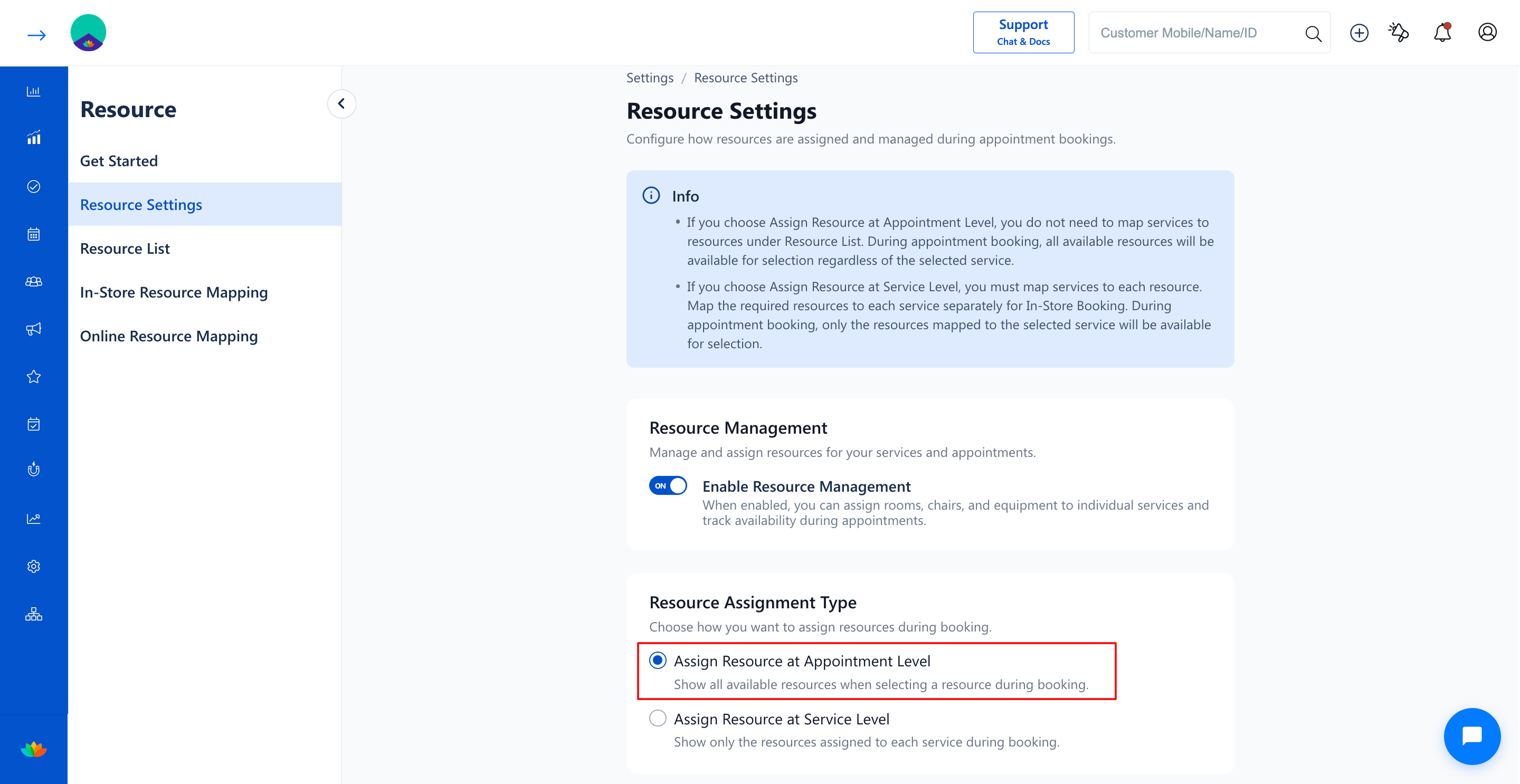
5. Under the Resource Assignment Type section, select the radio button for Assign Resource at Appointment Level.
Note
When Assign Resource at Appointment Level is selected, you do not need to configure In-Store Resource Mapping or Online Resource Mapping. All active resources in your Resource List will be open for selection during booking.
Use Cases
1. Salons where styling stations and manicure tables can accommodate any standard hair or nail service.
2. Boutique spas operating versatile treatment rooms that support facials, massages, and waxing interchangeably.
3. Fast-paced walk-in salons requiring rapid room assignment without strict service constraints.
Benefits
1. Simplifies salon setup by eliminating the need to maintain detailed service-to-resource mapping tables.
2. Provides maximum scheduling flexibility by allowing any available facility to be assigned on the fly.
3. Accelerates appointment booking speeds for front-desk receptionists during peak hours.
Was this article helpful?
That’s Great!
Thank you for your feedback
Sorry! We couldn't be helpful
Thank you for your feedback
Feedback sent
We appreciate your effort and will try to fix the article