How to Disable the Resource on the MioSalon ?
Overview
Disabling Resource Management or switching away from Appointment Level assignment allows salon businesses to turn off resource tracking or transition to strict service-level mapping.
When Resource Management is disabled, the appointment booking flow operates purely based on staff availability and time slots without tracking physical rooms or equipment.
This is suitable for businesses that do not face facility bottlenecks or those choosing to switch between booking assignment models.
Follow the guided step-by-step instructions below to disable resource management in MioSalon.
Navigation Path
Settings → Modules Settings → Resource → Resource Settings
Steps to Disable the Resource on the Appointment Level
1. Navigate to the Settings module from the main navigation sidebar.
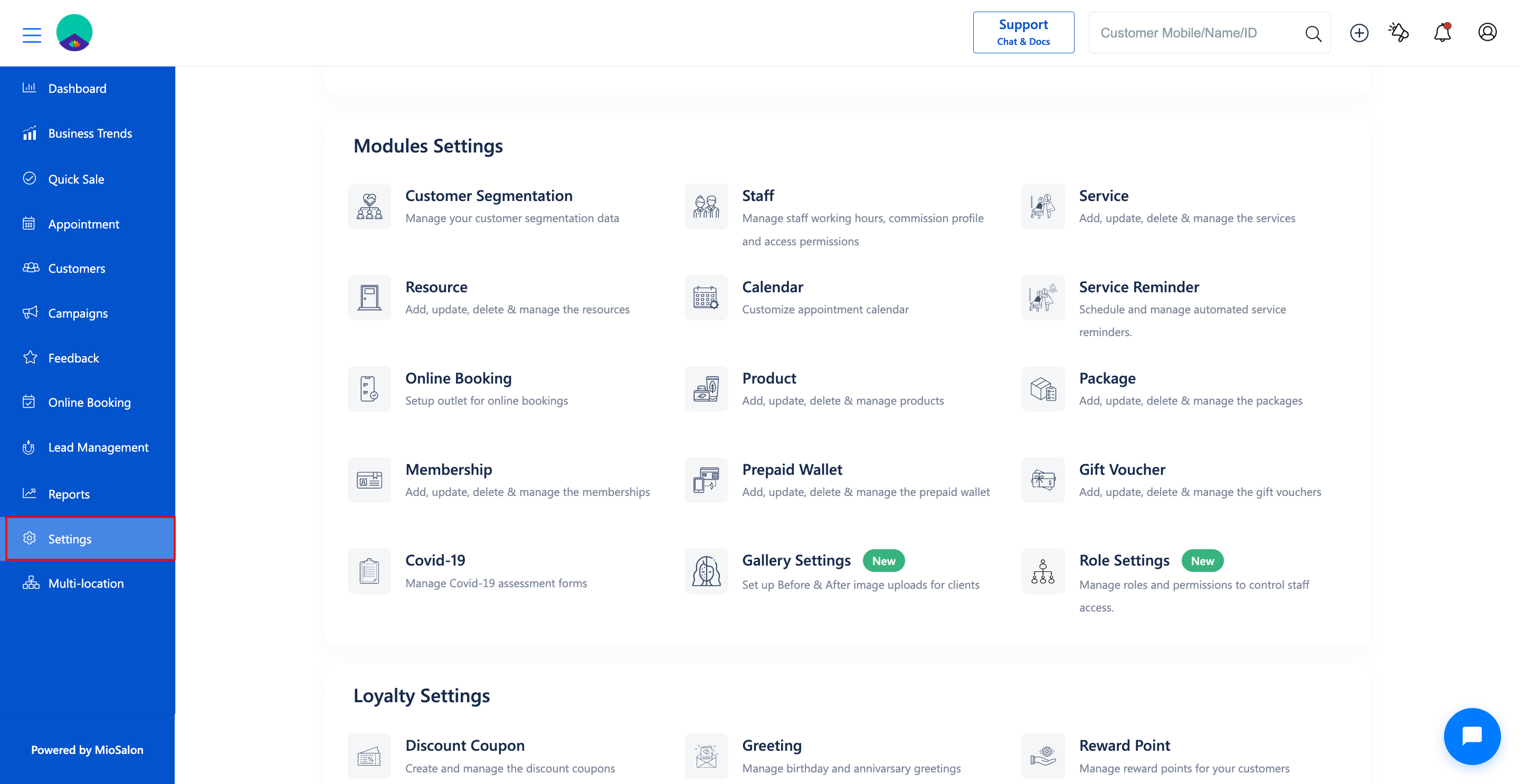
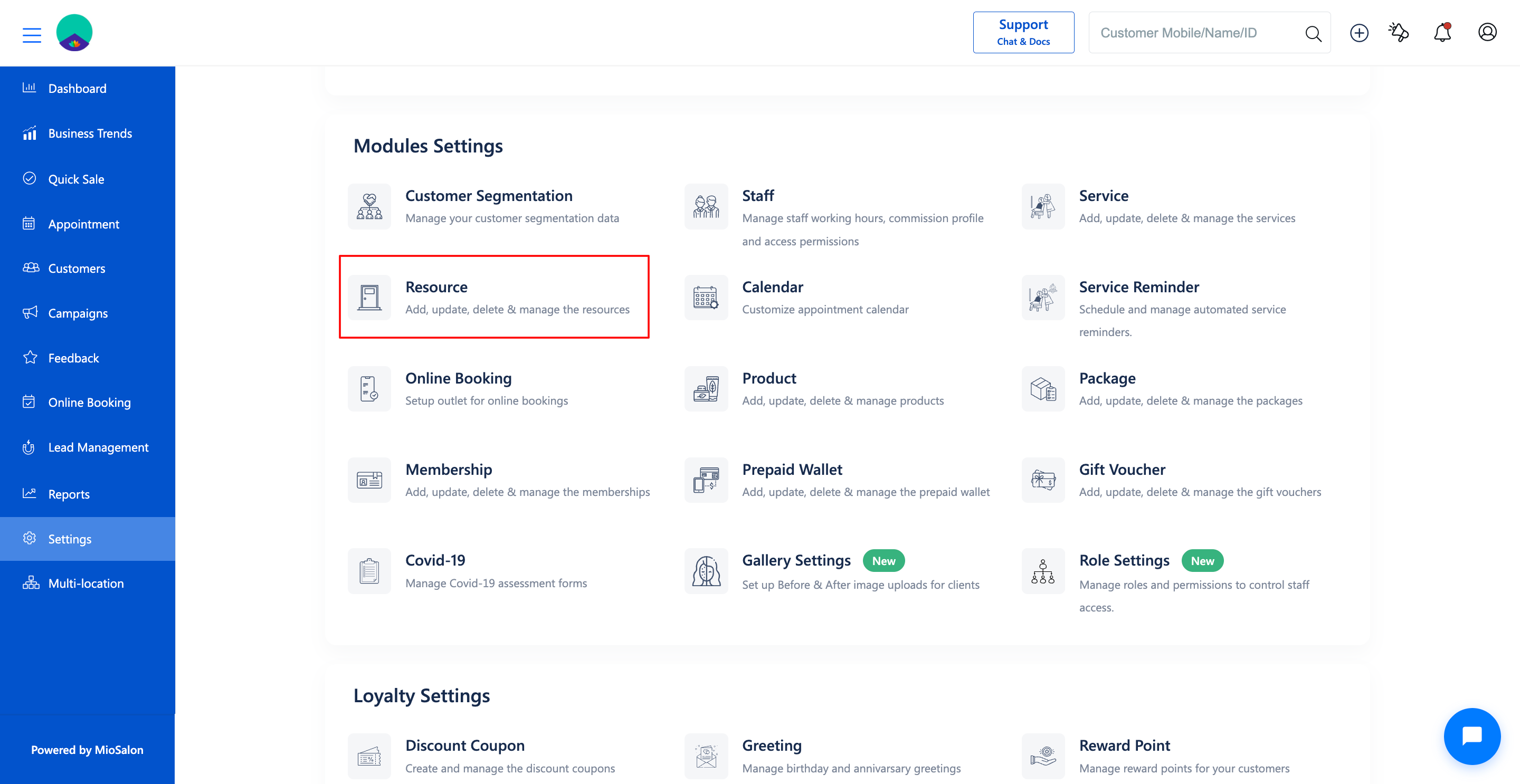
2. Click on the Resource card located under the Modules Settings section.
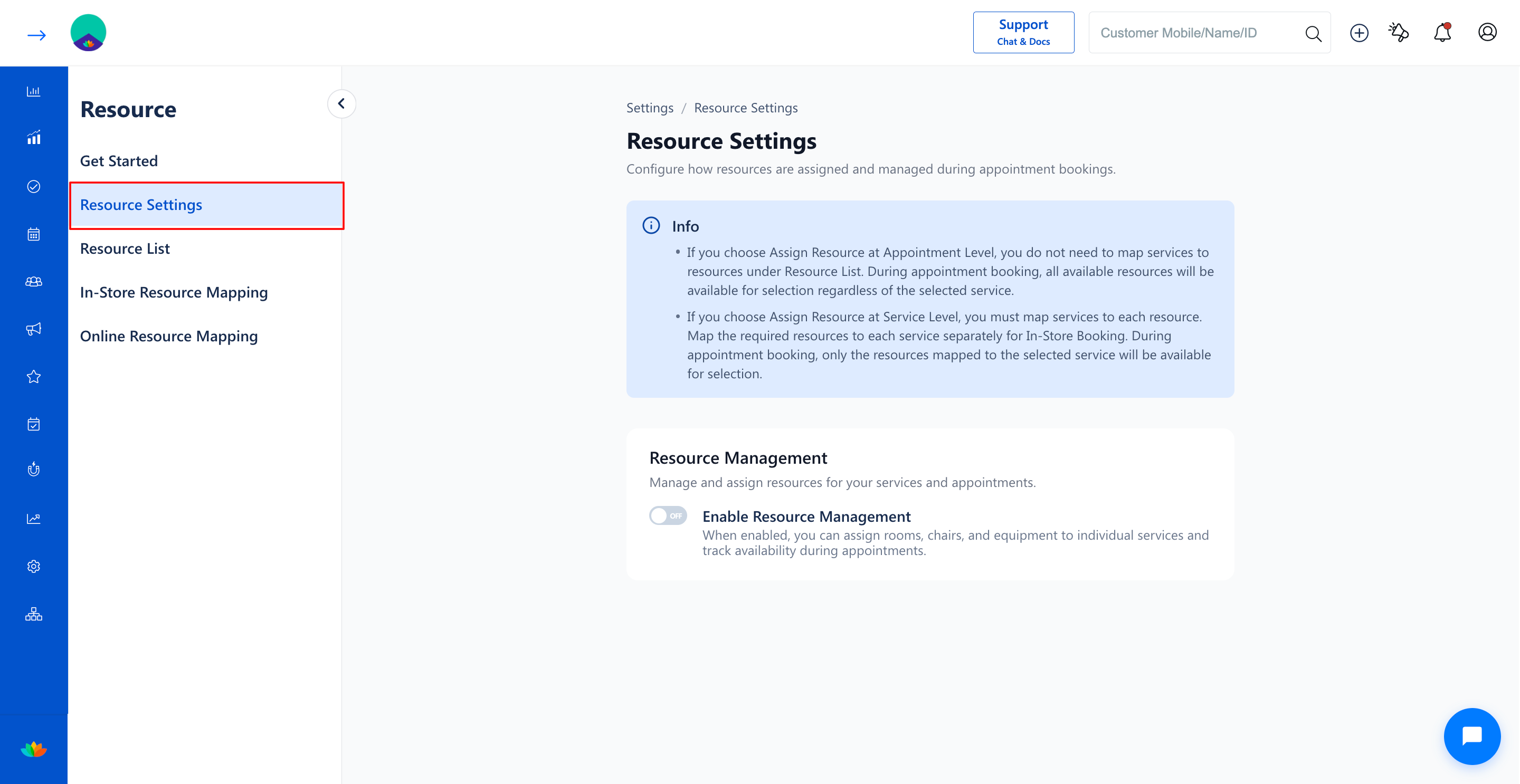
3. Select the Resource Settings tab from the left sub-navigation menu.
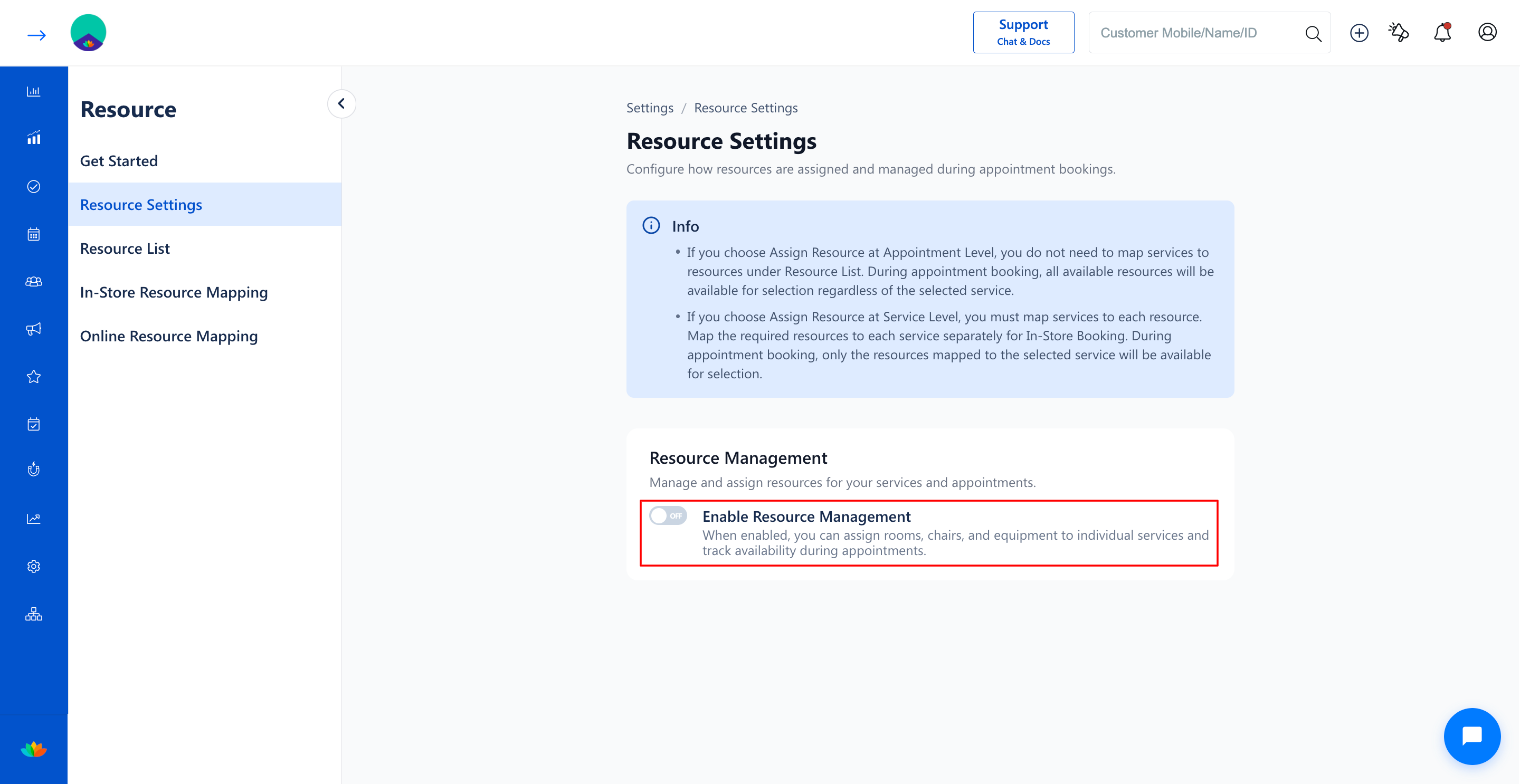
4. Under the Resource Management section, toggle the switch to OFF for Enable Resource Management.
Note
Disabling Resource Management hides resource selection fields during appointment creation. Existing resource groups and items in your Resource List will remain saved for future reactivation.
Use Cases
1. Single-room salons or solo practitioners who only need staff scheduling without facility tracking.
2. Businesses transitioning operational workflows that no longer require room and chair capacity limits.
3. Temporarily disabling resource constraints during special events or pop-up salon sessions.
Benefits
1. Streamlines the appointment booking form by removing resource selection dropdowns.
2. Reduces booking steps for front-desk staff in setups where room availability is not a constraint.
3. Preserves configured resource lists and groups intact for convenient re-enabling anytime.
Was this article helpful?
That’s Great!
Thank you for your feedback
Sorry! We couldn't be helpful
Thank you for your feedback
Feedback sent
We appreciate your effort and will try to fix the article