Enable / Disable SMS & WhatsApp Templates for Gift Voucher
Overview
When a gift voucher is purchased, you can automatically notify the buyer and recipient through SMS and WhatsApp messages.
The notification template settings are built into the gift voucher form, allowing you to control which communication channels are active for each voucher.
Enabling templates ensures customers receive timely purchase confirmations and voucher details, while disabling them gives you control over when and how notifications are sent. This guide explains how to enable and disable these template sections.
Navigation Path:
Settings → Gift Voucher → Gift Voucher List → Select a Gift Voucher
Steps to Enable a Template
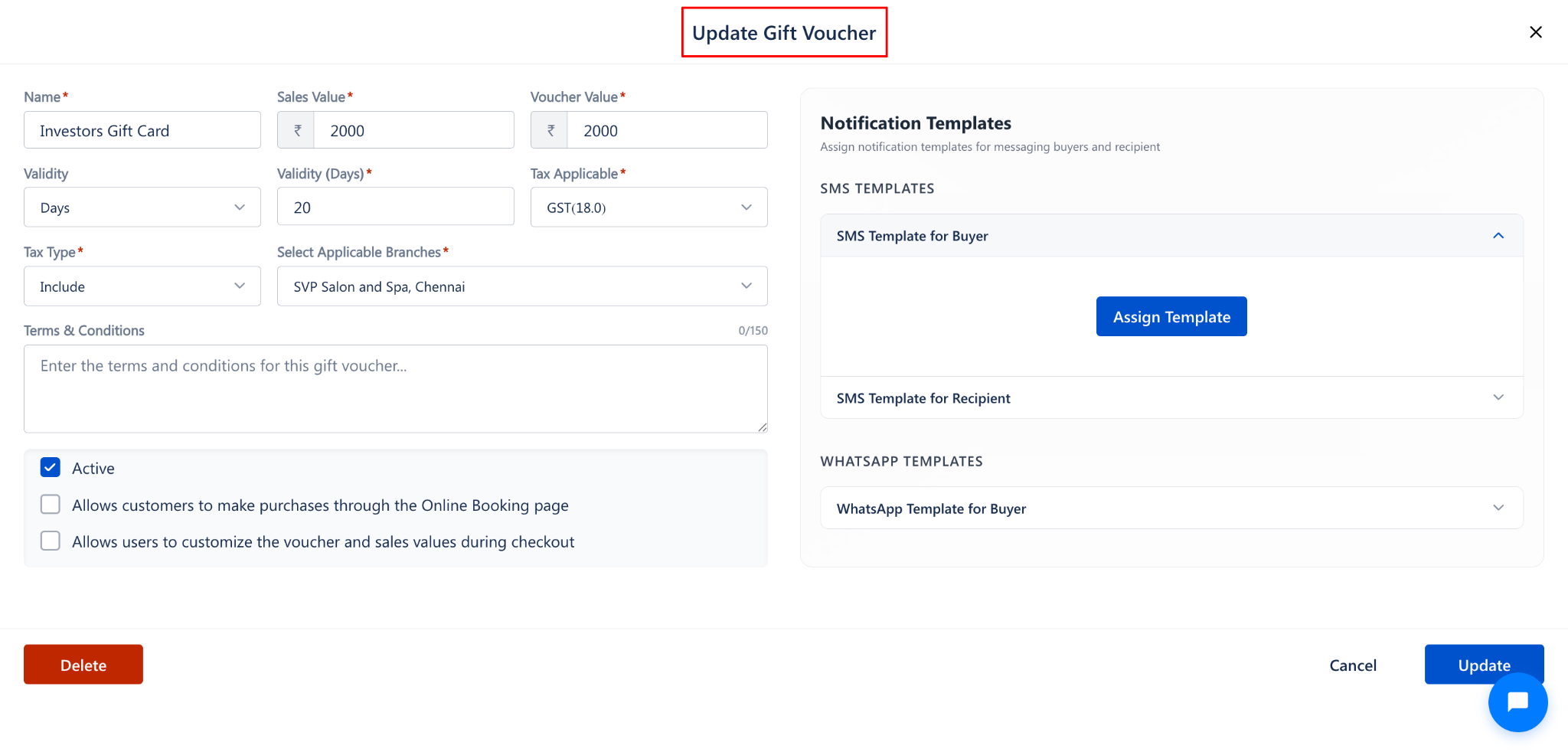
Step 1: Open the Gift Voucher Form
Navigate to Settings → Gift Voucher → Gift Voucher List.
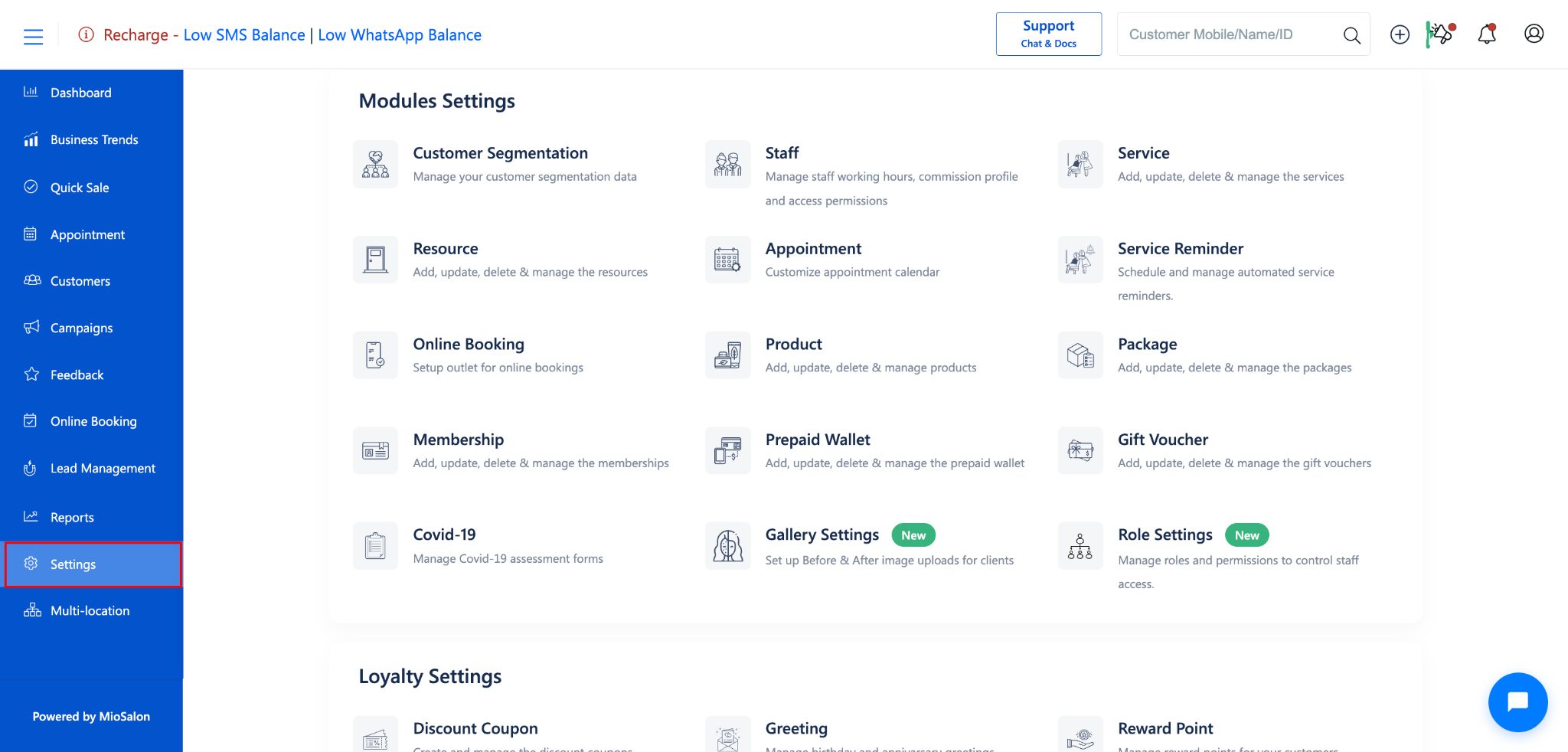
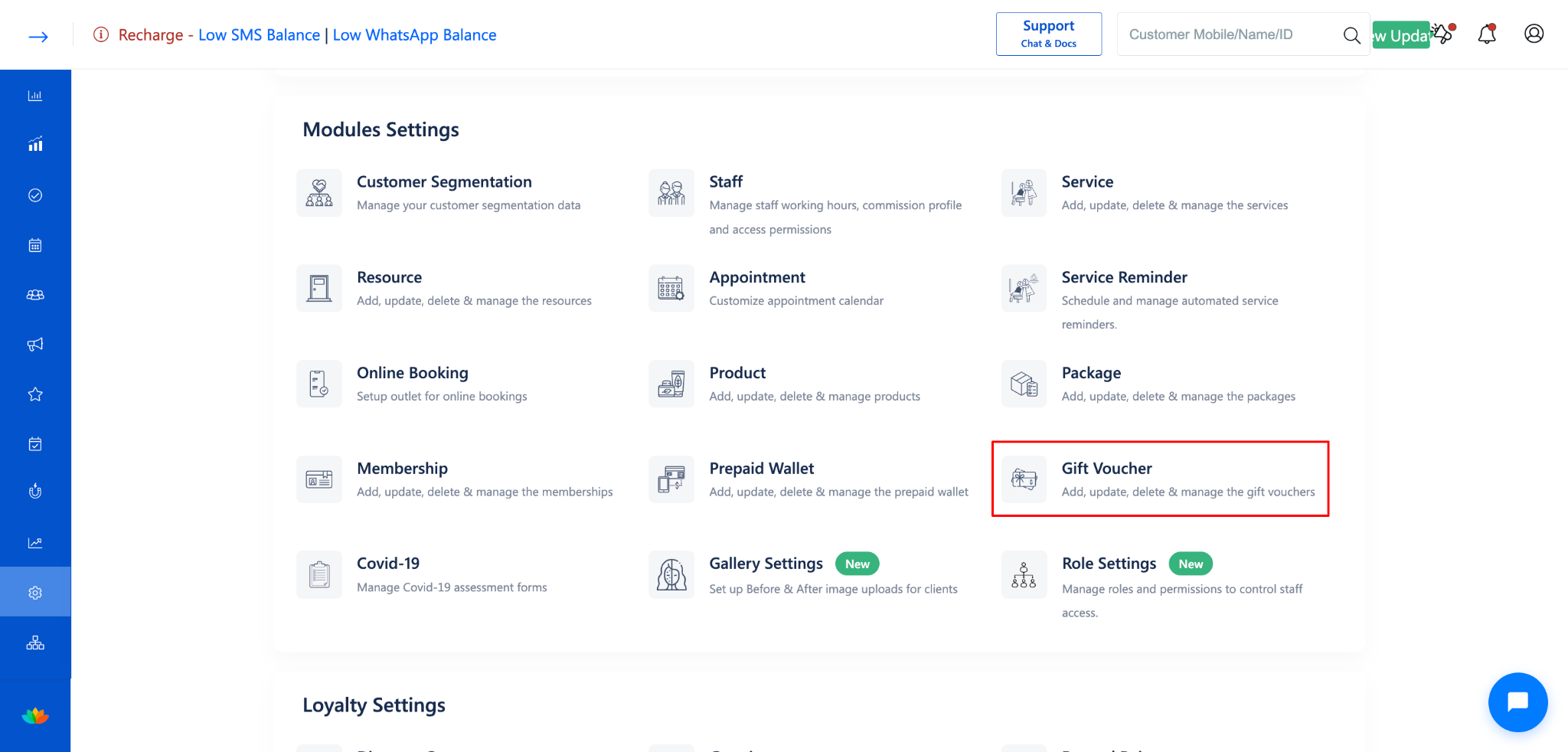
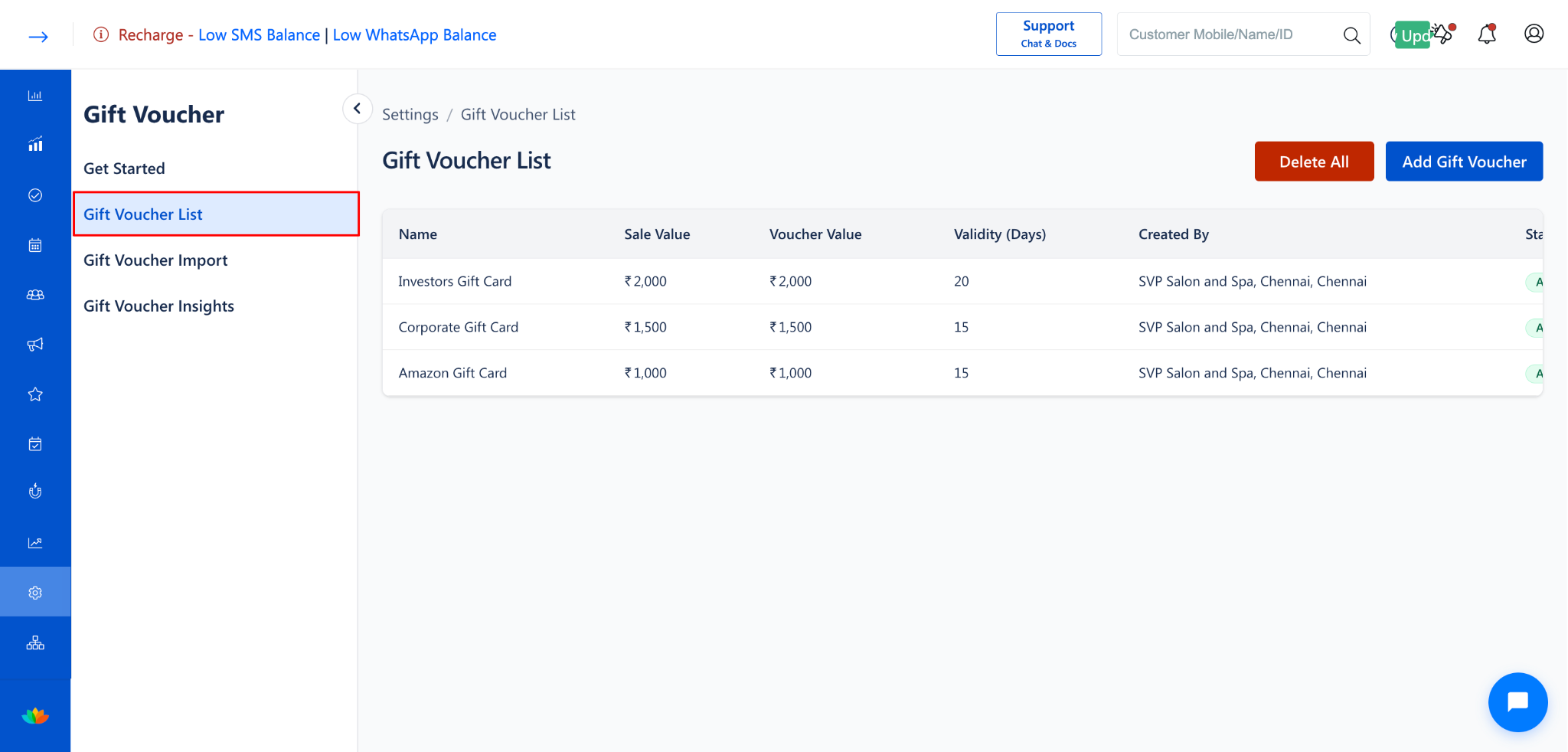
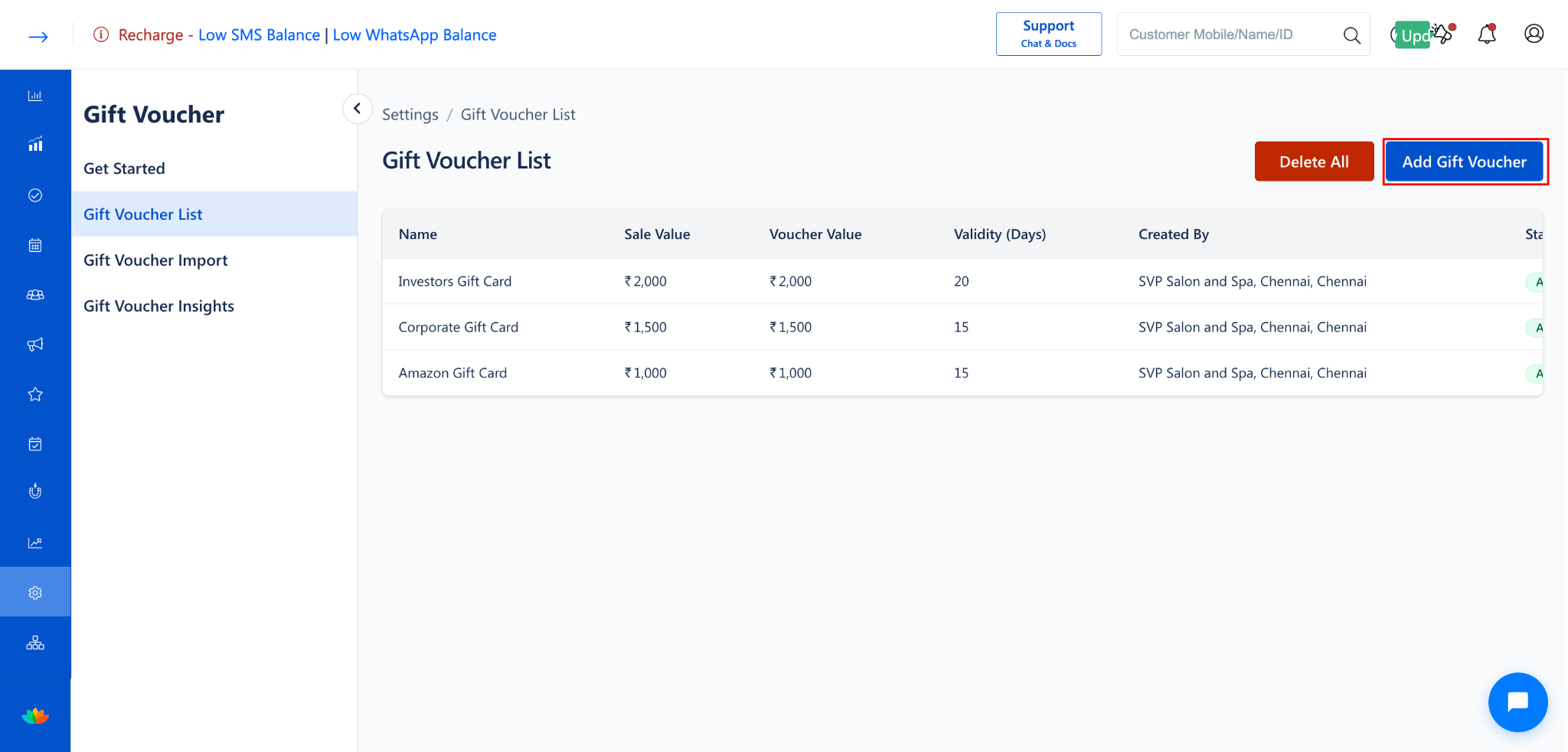
Click Add Gift Voucher to create a new voucher, or click on an existing voucher to open the Update Gift Voucher form.
Step 2: Locate the Notification Templates Panel
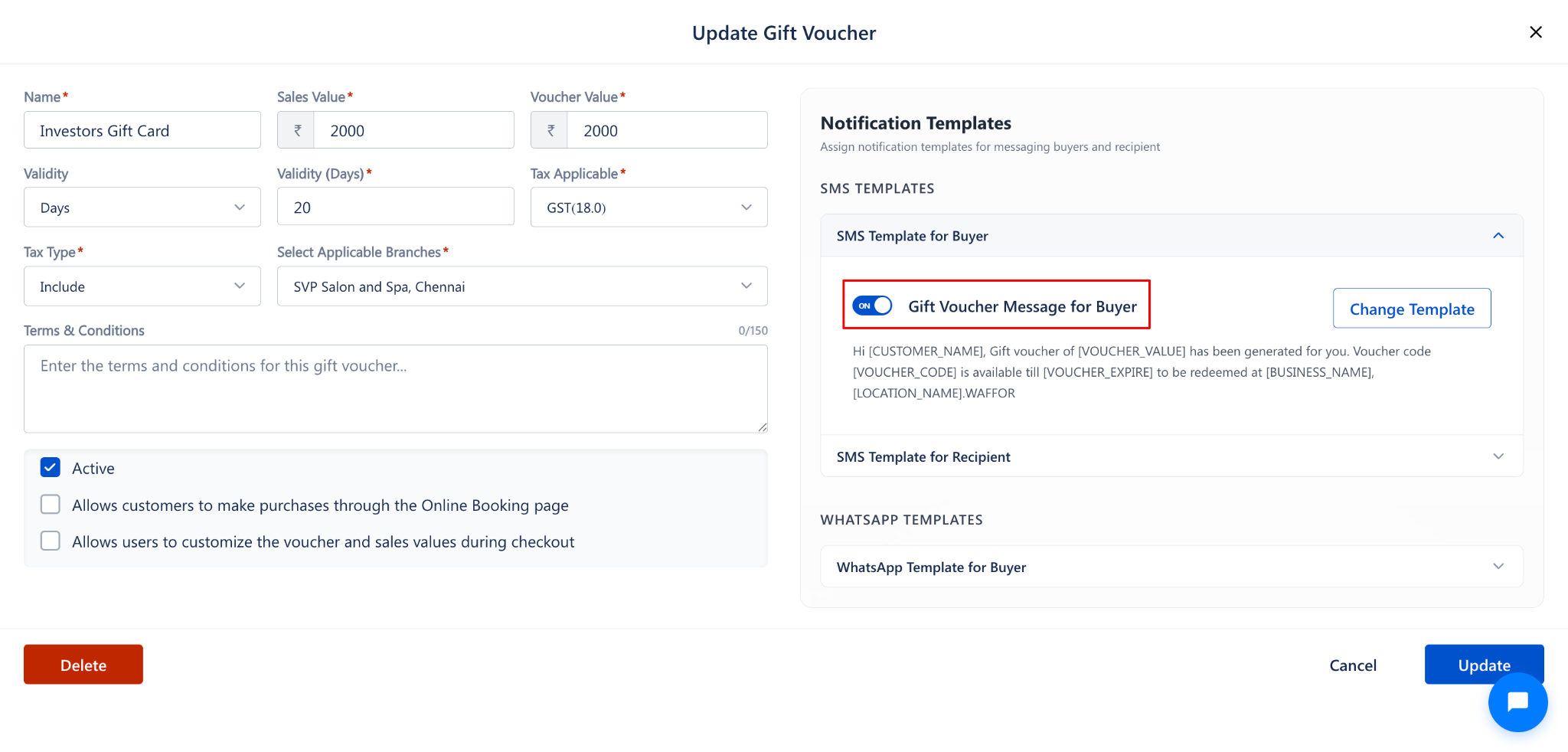
On the right side of the form, locate the Notification Templates panel.
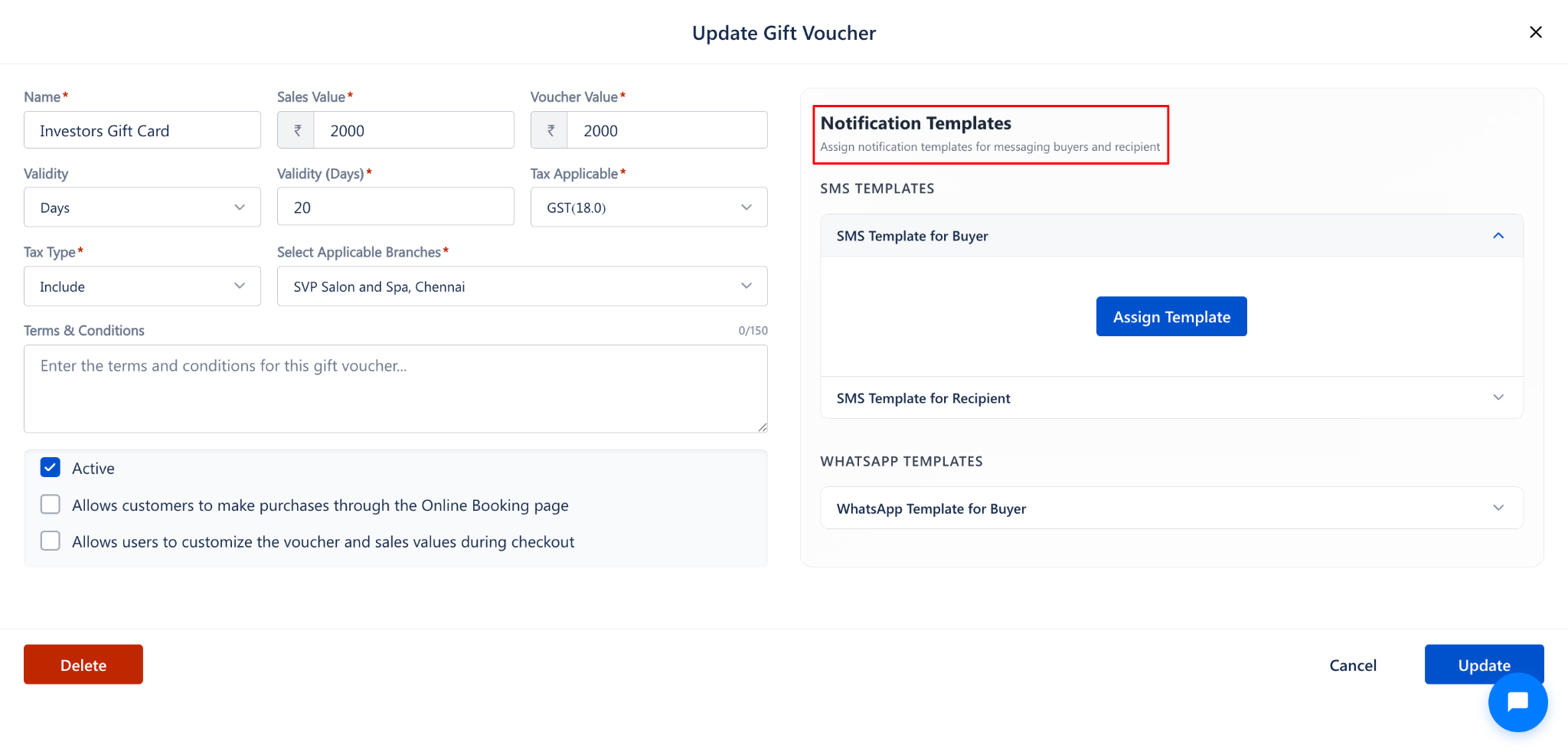
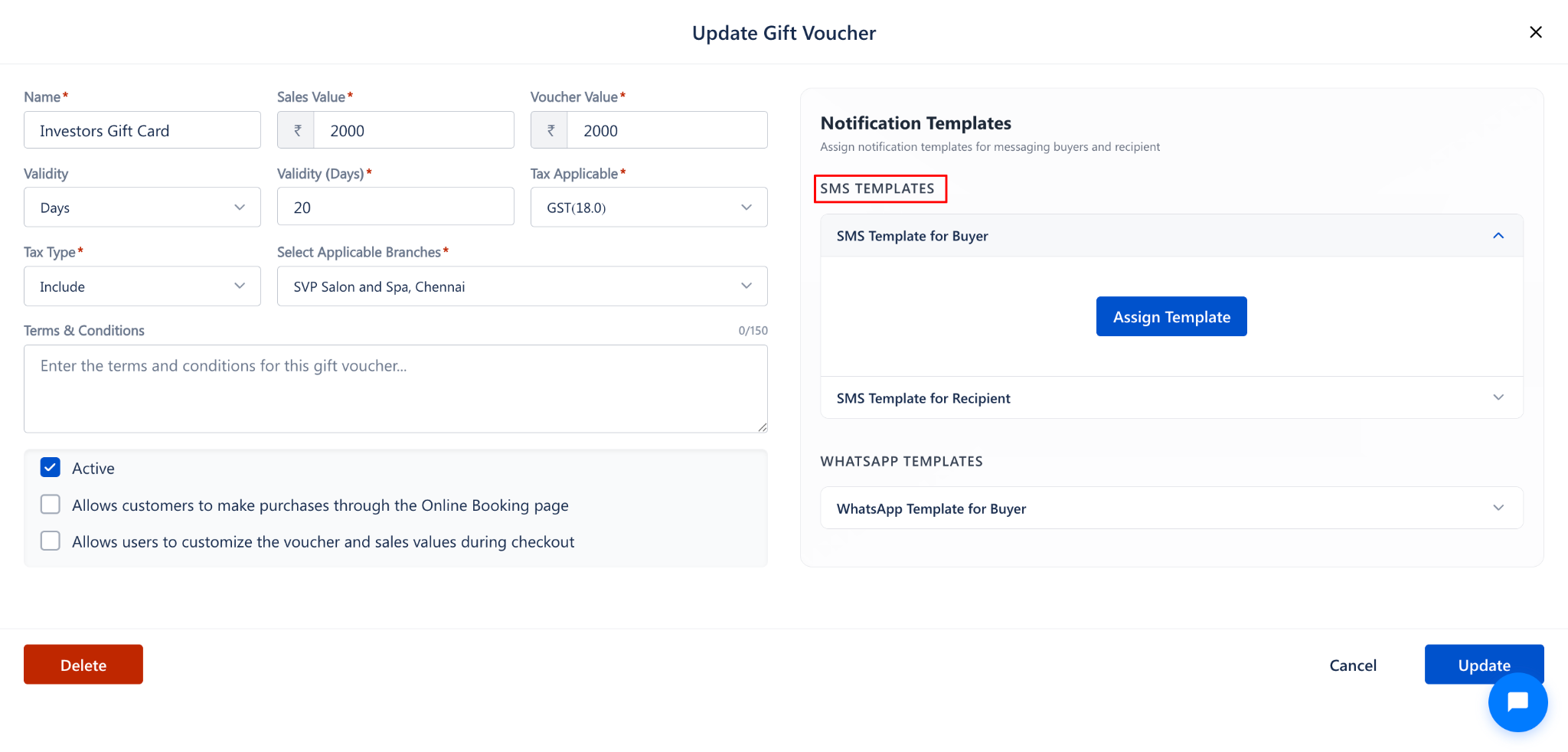
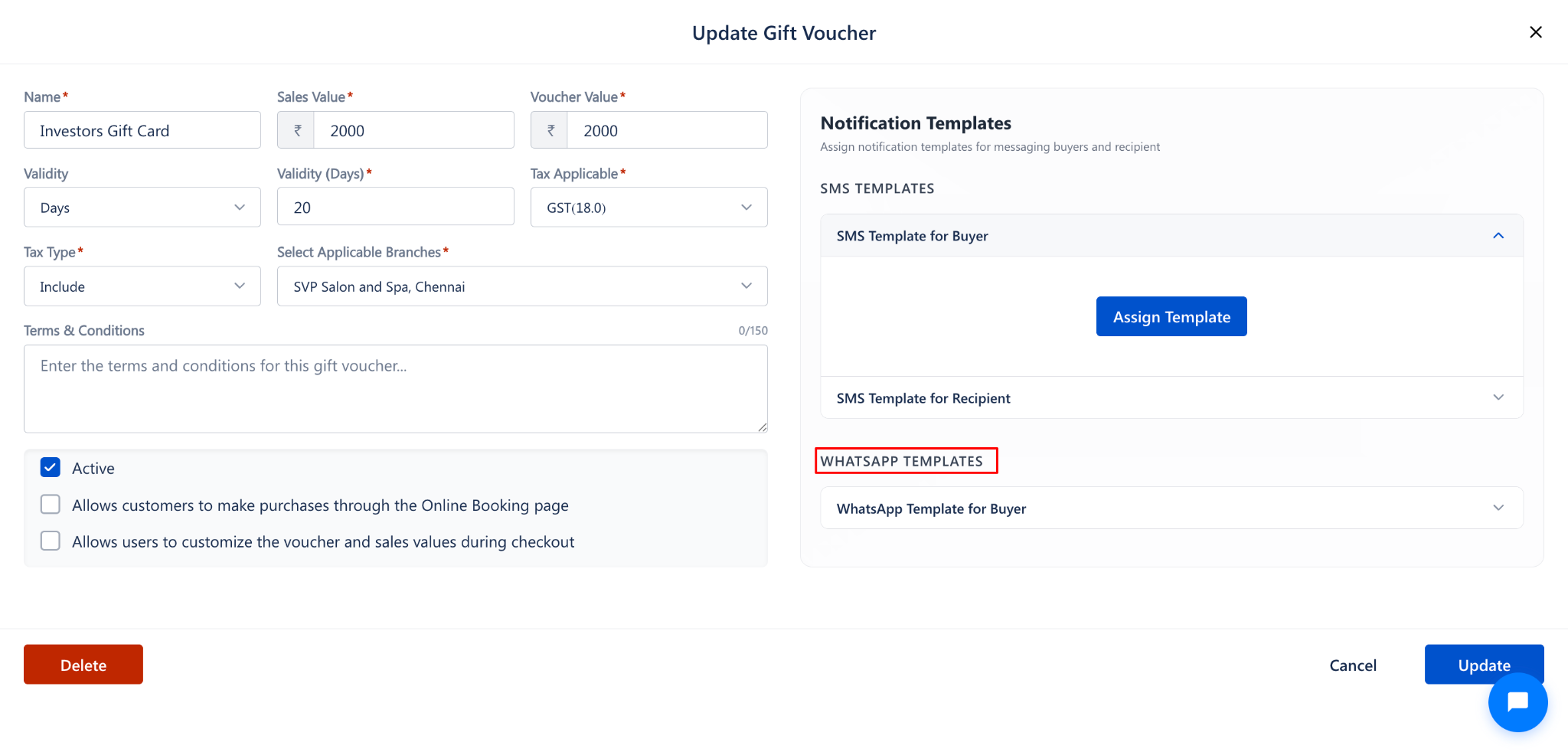
The panel contains the following template sections:
SMS Templates:
WhatsApp Templates:
Step 3: Enable a Template
Click on the expand arrow next to the template you want to enable (e.g., SMS Template for Buyer).
The section will expand and show the Assign Template button.
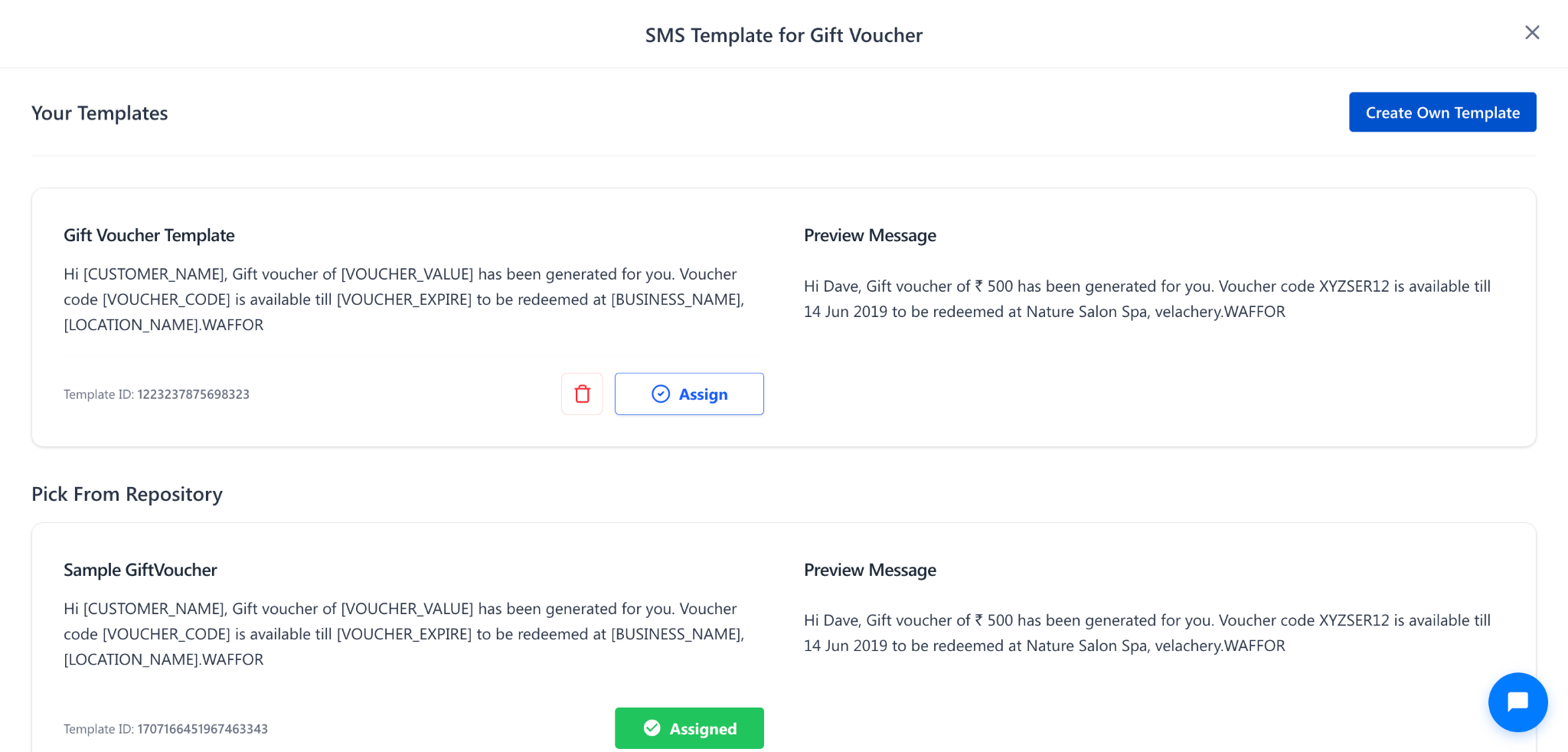
Click Assign Template to assign a notification template to that slot.
NOTE:
A template must be assigned for notifications to be sent. Simply expanding the section does not enable notifications.
Steps to Disable a Template
Step 1: Open the Gift Voucher
Navigate to Settings → Gift Voucher → Gift Voucher List.
Click on the gift voucher from the list.
Step 2: Remove the Assigned Template
In the Notification Templates panel, locate the template you want to disable.
If a template is currently assigned, remove or change the assigned template.
Click Update to save the changes.
NOTE:
Disabling a template means no notification will be sent to the buyer or recipient for that channel (SMS or WhatsApp) when the gift voucher is purchased.
Use Cases
Enable SMS templates to send instant purchase confirmations to gift voucher buyers.
Enable WhatsApp templates to share voucher details with buyers on their preferred messaging platform.
Disable notifications temporarily during testing or internal voucher creation.
Enable recipient templates so the gift receiver gets their voucher code directly.
Benefits
Keeps customers informed about their gift voucher purchase instantly.
Reduces support queries by automating voucher code delivery.
Supports multiple communication channels (SMS and WhatsApp) for better reach.
Provides flexibility to enable or disable notifications per voucher.
Was this article helpful?
That’s Great!
Thank you for your feedback
Sorry! We couldn't be helpful
Thank you for your feedback
Feedback sent
We appreciate your effort and will try to fix the article