How to Update a Fixed Package in MioSalon ?
Overview
Updating fixed packages in MioSalon allows salon administrators to adjust pricing, service inclusions, session counts, and validity terms.
Businesses need to update fixed packages when service costs change, seasonal promotions expire, or package offerings are refined.
Modifying existing packages ensures your service catalog remains accurate while preserving historical sales records for existing clients.
Follow the guided step-by-step instructions below to update a fixed package in MioSalon.
Navigation Path
Settings → Modules Settings → Package → Package List
Steps to Update a Fixed Package
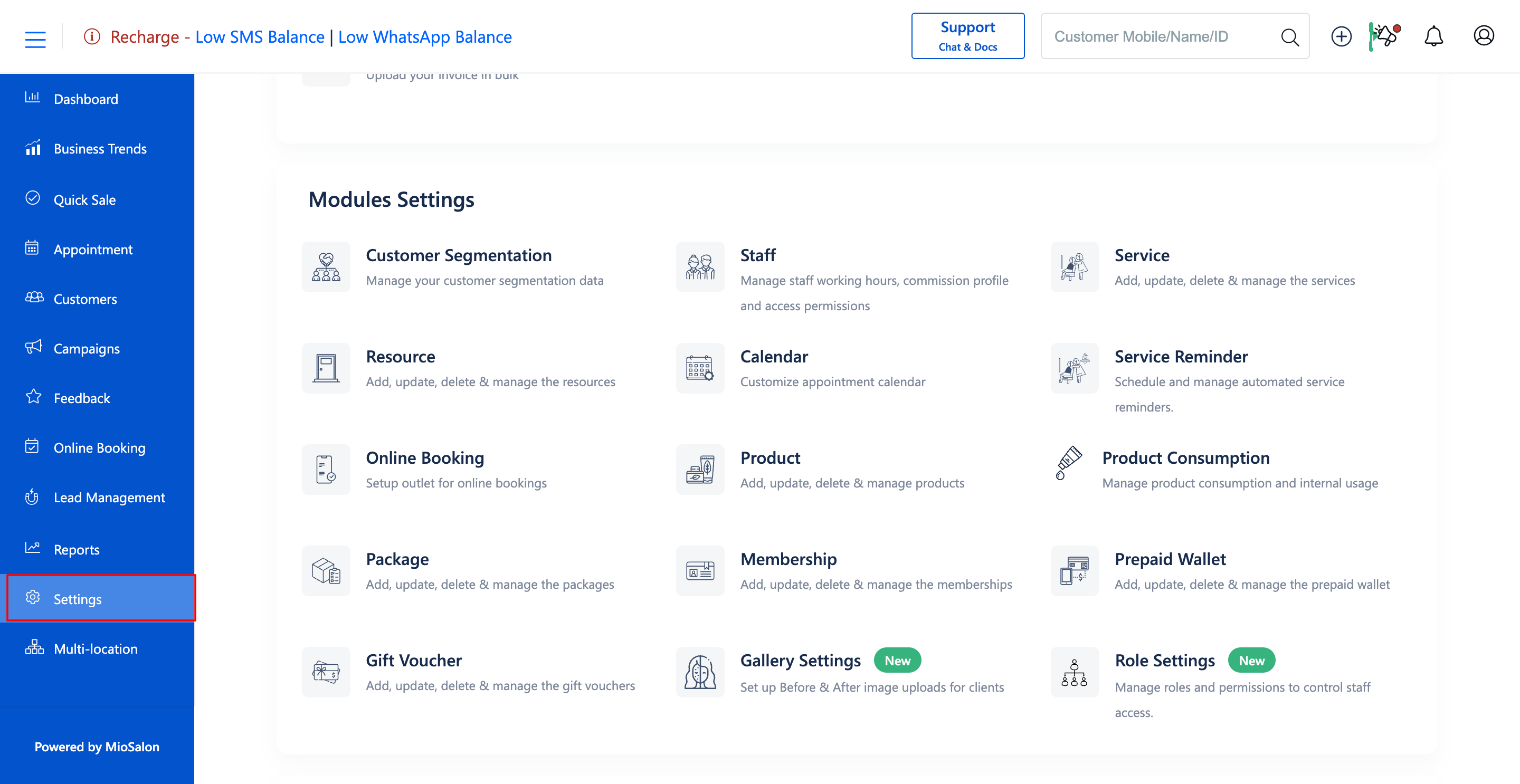
1. Navigate to the Settings module from the main left navigation bar and click on the Package card under the Modules Settings section.
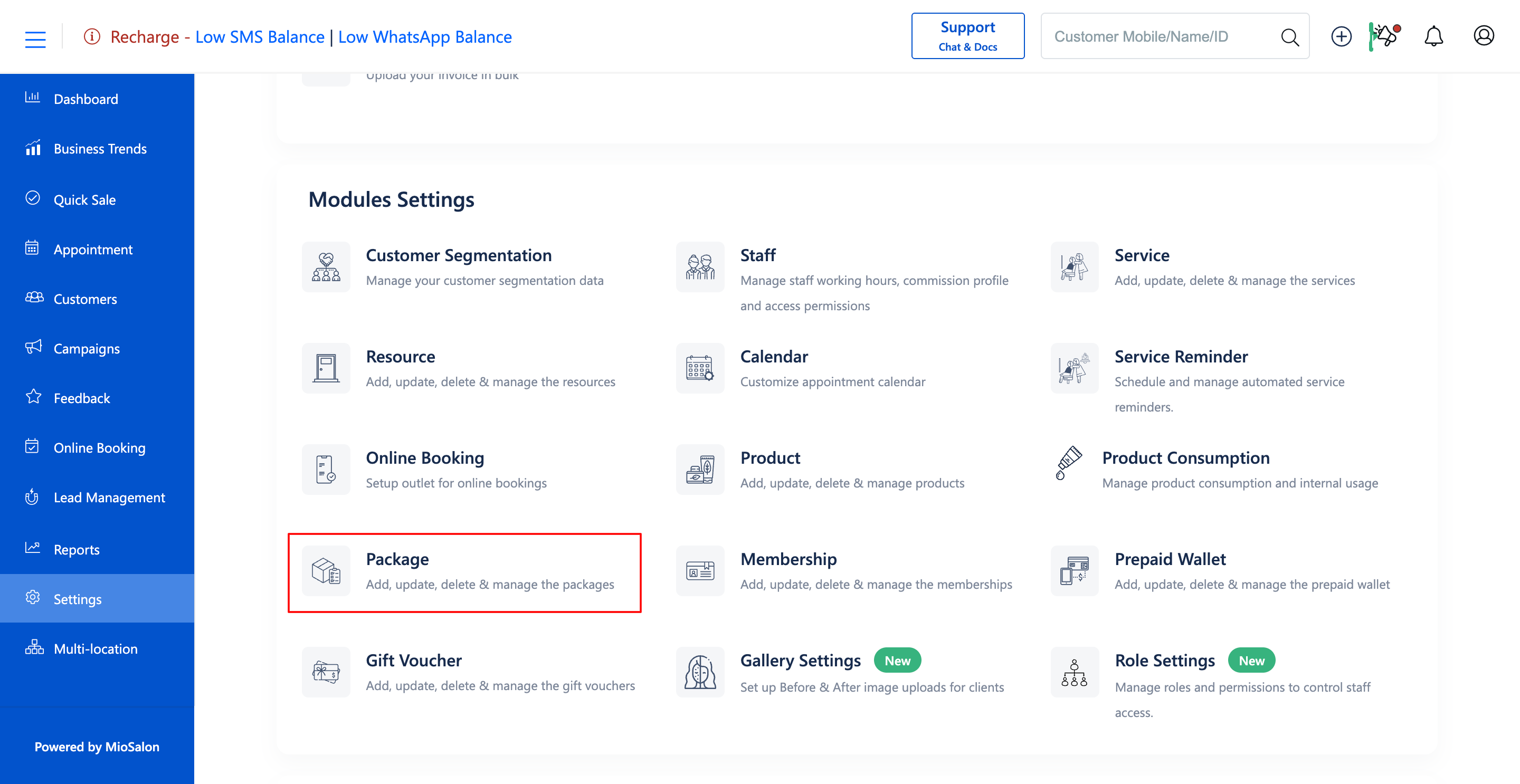
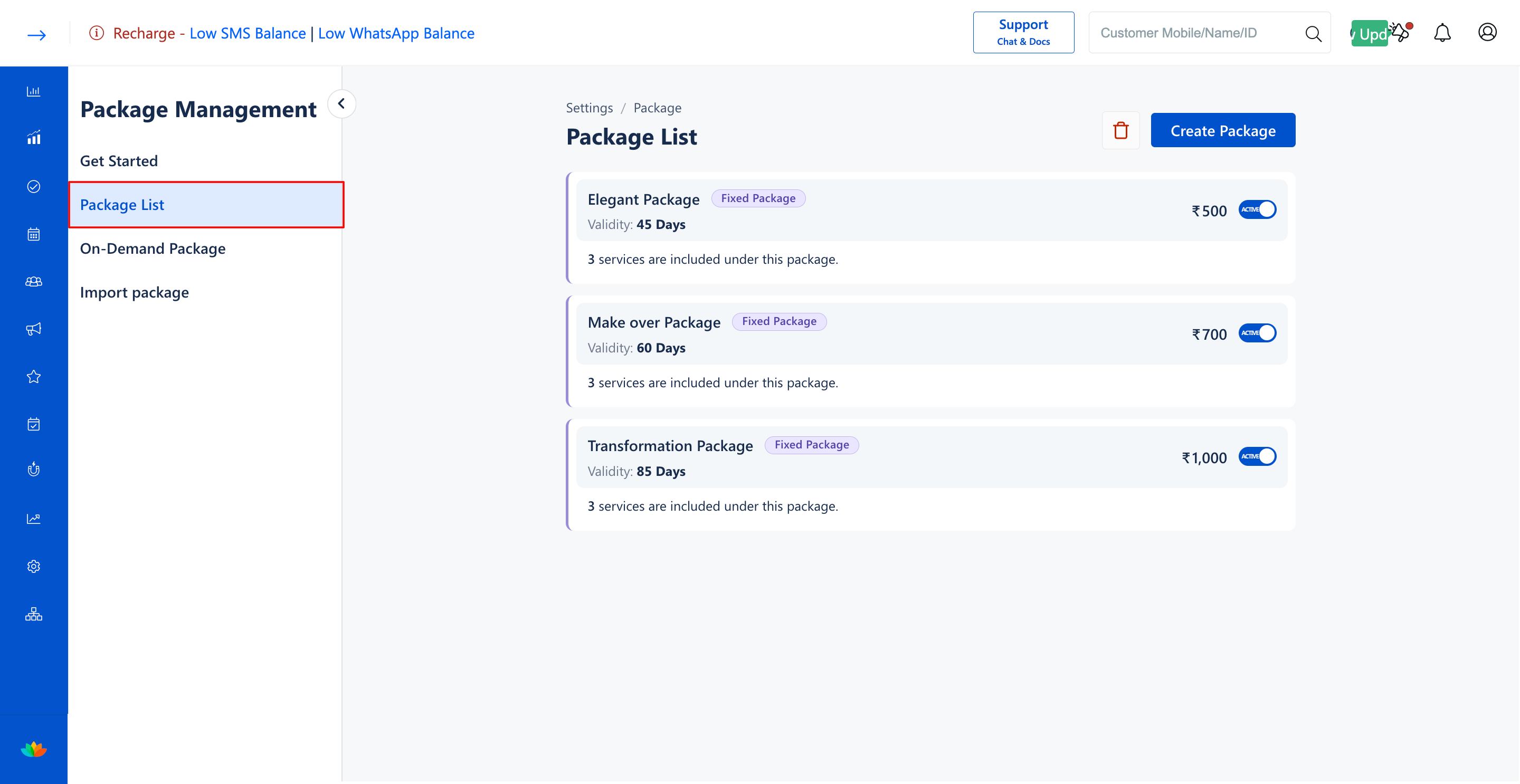
2. In the Package List screen, locate the target fixed package and click on the package card to open the edit page.
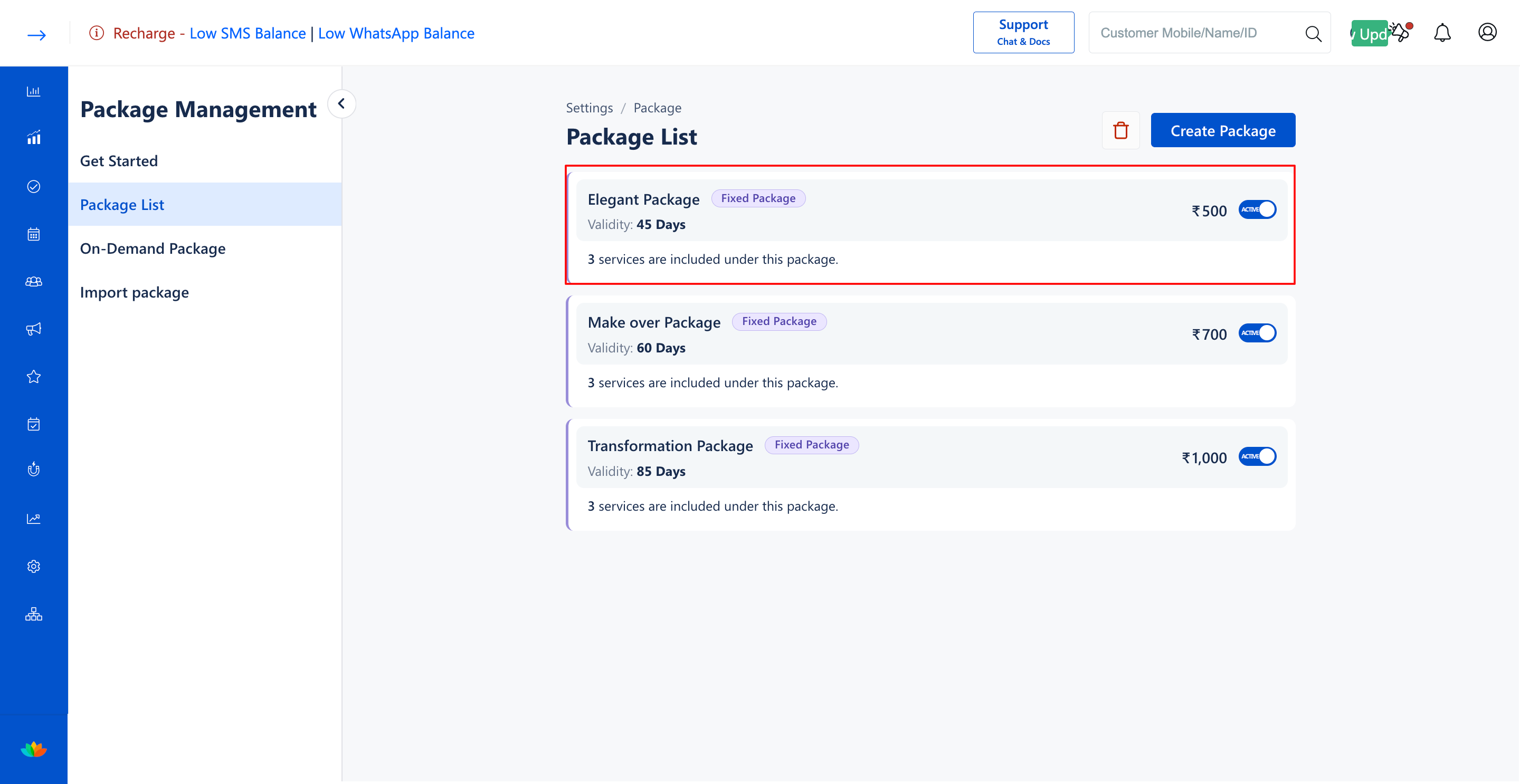
3. In the Package Details section, update the Package Name* or Package Description as needed. (E.g., Elegant Package)
4. In the Services section, modify the bundled services and session counts:
• Adjust the Max Service Count using the plus or minus buttons. (E.g., 2)
• Click the delete icon next to any service to remove it from the package.
• Click Add Service to include additional services in the package.
5. In the Pricing & Tax section, adjust the Selling Price* (E.g., 500) or change the Tax Applicable* rate.
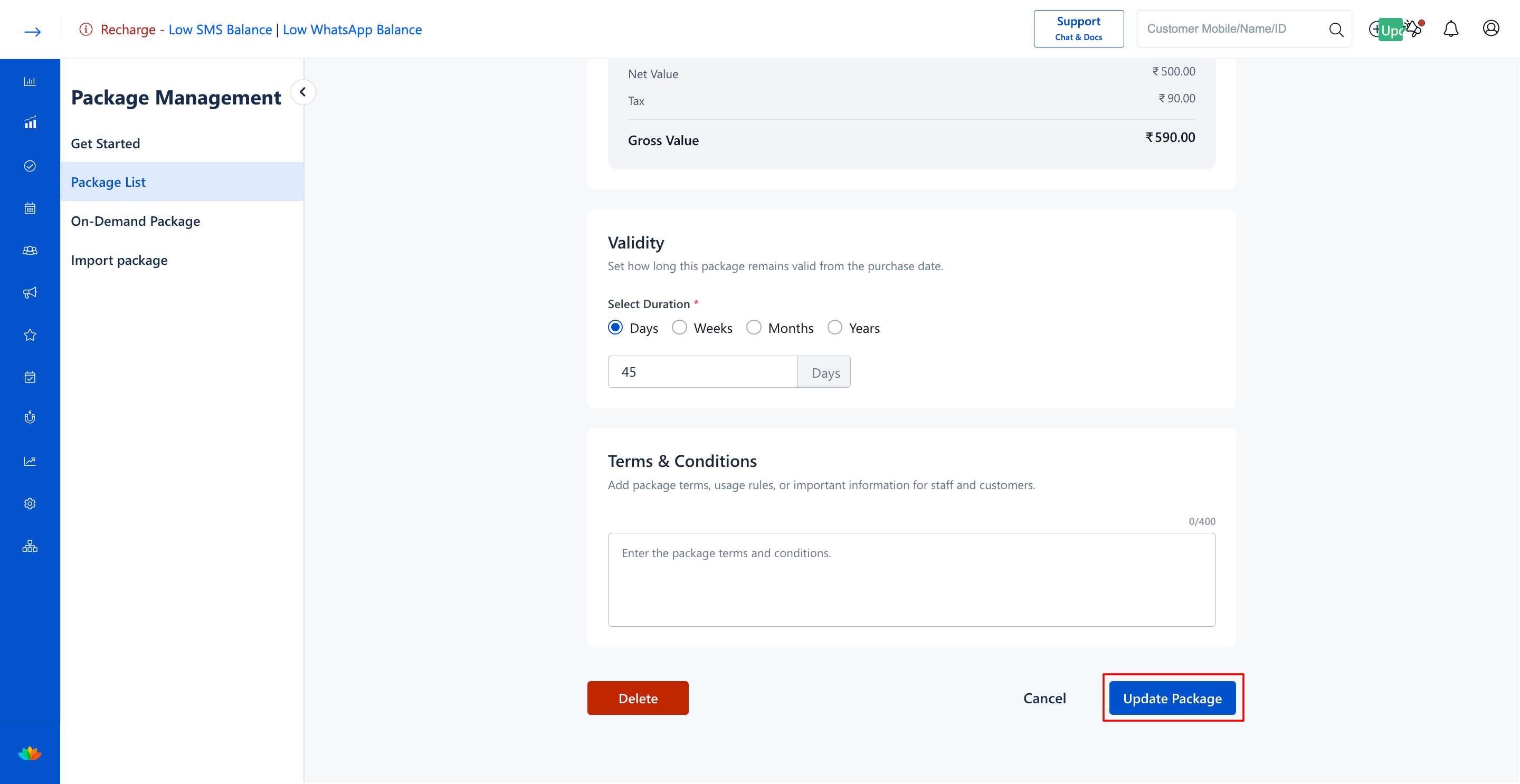
6. In the Validity and Terms & Conditions sections, update the package duration (E.g., 45 Days) or redemption policies.
7. Click on the Update Package button at the bottom-right corner to save the modifications.
Note
Modifications made to a fixed package apply only to newly purchased packages. Customers who purchased the package before the update will retain their original package inclusions and terms.
Use Cases
1. Updating package selling prices to reflect annual inflation or service price revisions.
2. Adding new trending salon services into existing popular packages.
3. Extending package validity periods during festive or promotional marketing campaigns.
Benefits
1. Keeps package offerings aligned with current business pricing and service standards.
2. Protects customer trust by preserving existing balances for previously sold packages.
3. Enables fast adjustments to package terms without needing to recreate packages from scratch.
Was this article helpful?
That’s Great!
Thank you for your feedback
Sorry! We couldn't be helpful
Thank you for your feedback
Feedback sent
We appreciate your effort and will try to fix the article