Overview
Creating a Custom Prefix for invoice numbers allows you to add an identifiable text before the invoice sequence in MioSalon. This helps businesses distinguish invoices by brand, location, financial year, or business unit, making invoice tracking and reconciliation easier.
Once configured, the custom prefix is automatically appended to all newly generated invoice numbers.
To create or update a custom invoice prefix
Log in to your MioSalon account.
From the left-side menu, click Settings.
Scroll down and select Point of Sale.
Click Invoice.
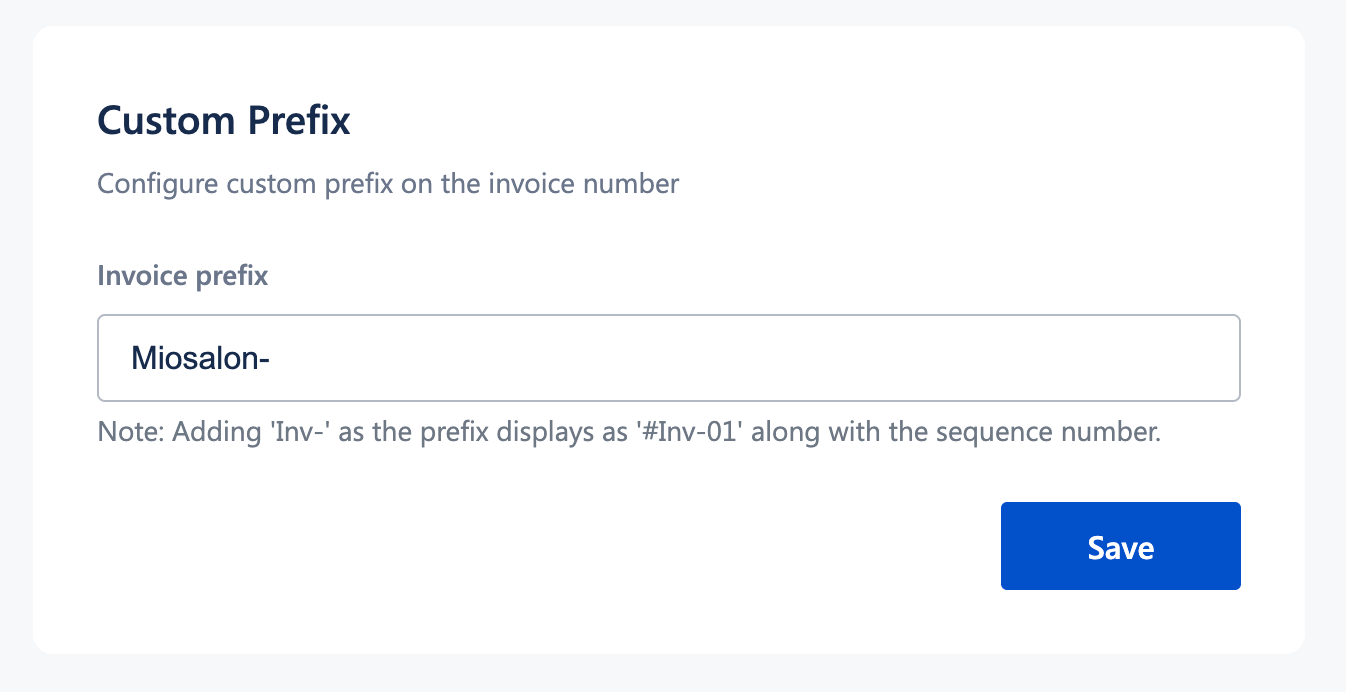
Scroll to the Custom Prefix section.
In the Invoice prefix field, enter the required prefix
(for example:MS,INV,MIO).Click Save.
All future invoices will now display the custom prefix followed by the invoice sequence number.
Important Notes
The custom prefix applies only to new invoices created after saving the setting.
Existing invoices are not modified.
The prefix is combined with the invoice sequence to form the final invoice number.
Avoid changing prefixes frequently to maintain consistent invoice records.
Use Cases
Brand identification
Add a business-specific prefix to clearly identify invoices issued from MioSalon.Multi-location businesses
Use different prefixes for different branches or outlets to distinguish invoices.Financial year tagging
Include a year-based prefix to easily track invoices across financial periods.Accounting and audits
Make invoice numbers easier to classify, search, and reconcile during audits.
Was this article helpful?
That’s Great!
Thank you for your feedback
Sorry! We couldn't be helpful
Thank you for your feedback
Feedback sent
We appreciate your effort and will try to fix the article